 01
01iMac Repair in Dubai
Professional iMac diagnostics, display repair and performance upgrades for home, office and creative users in Dubai.
Professional iMac diagnostics, display repair and performance upgrades for home, office and creative users in Dubai.
Slow performance, display faults or storage failures on your iMac? We service all-in-one Macs with SSD and RAM upgrades, display repairs and board-level diagnostics, restoring the speed and clarity you paid for.
We collect and deliver iMac repairs across Downtown Dubai, Business Bay, Dubai Marina, JLT, Deira and along Sheikh Zayed Road.
Intel & Apple siliconSafe all-in-one handlingSSD upgrade optionsData migration availableCareful pickup

Warranty-backedClear quote before work

Specialist iMac diagnostics without unnecessary replacements
An iMac packs display, power, storage and computer hardware into one enclosure. Our diagnostic process isolates the failed subsystem before any part is recommended, helping avoid expensive guesswork.
We support home users, studios and offices across Dubai with careful transport, internal cleaning, storage upgrades and repair options for compatible Intel and Apple silicon iMacs.
- Safe all-in-one disassembly
- Storage and performance upgrades
- Business and creative-workstation support
Our iMac Repair services
Each service is explained clearly so you can understand the likely work before approving a repair.
01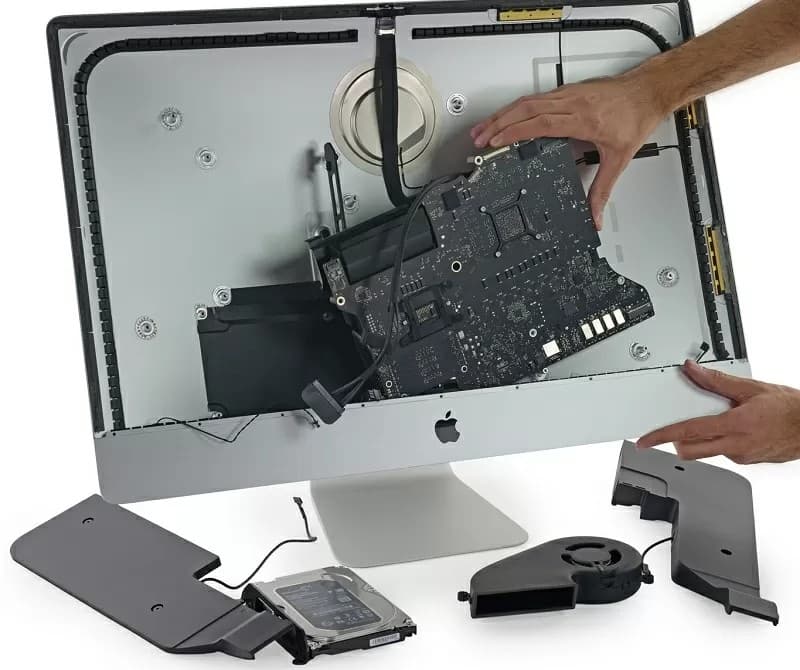 02
02 03
03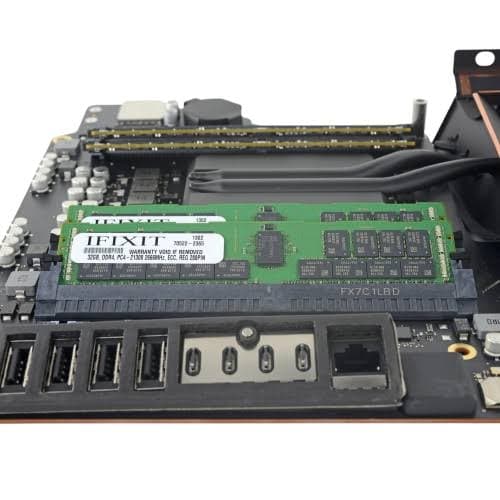 04
04 05
05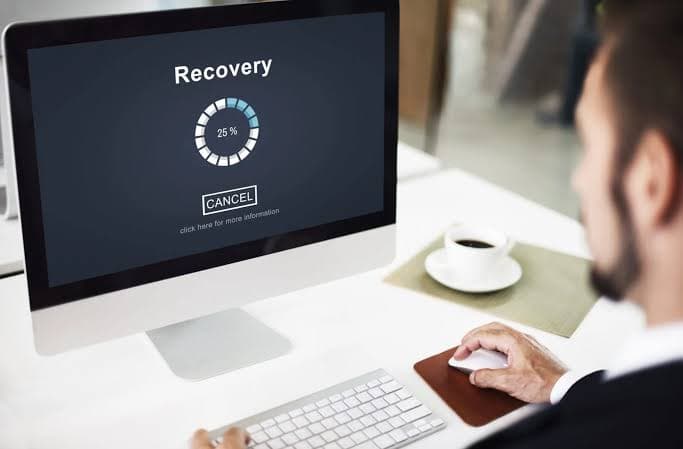 06
06 07
07 08
08 09
09 10
10 11
11 12
12Symptoms that need an iMac specialist
Because the display and computer share one enclosure, precise fault isolation matters.
No power or startup chime only
The iMac remains black, stalls at startup or repeatedly restarts.
Lines, flicker or image loss
Display, backlight, cable or graphics faults affect the picture.
Slow boot and beachballing
Ageing hard drives, limited memory or system faults make simple tasks painfully slow.
Excess fan noise and heat
Dust, sensor issues or cooling faults cause constant high-speed fans.

Complete problem checklist
We can diagnose and resolve these common imac repair concerns:
- iMac not turning on
- Stuck on Apple logo
- Very slow iMac
- Fusion Drive failure
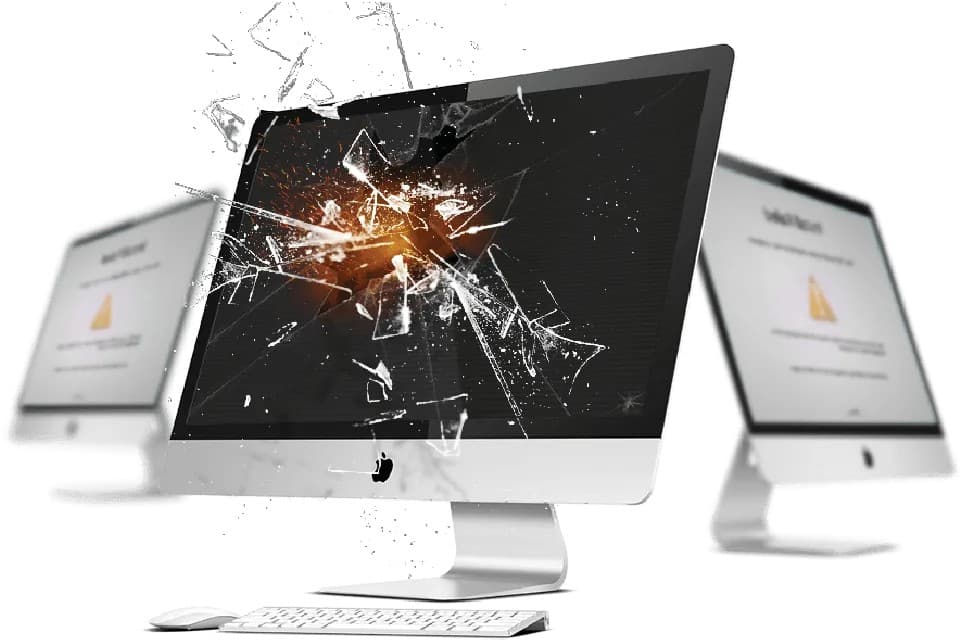
- Cracked display
- Screen flickering
- Backlight failure
- Loud fan
- Overheating
- Random shutdowns
- USB port failure
- Wi-Fi problem
- macOS error
- Storage full
- Data loss
- Accessory not detected
How our iMac repair works
Book in Minutes
Tell us your iMac's screen size, approximate year and the fault, then choose a Dubai pickup time.
Collect or Receive
We collect your iMac with padded, upright transport, or you can bring it to us on Sheikh Zayed Road.
Diagnose
A technician isolates the failed subsystem, display, power, storage or logic board, before recommending any part.
Approve the Quote
You get a clear price based on the actual fault, not a guess. Nothing proceeds without your approval.
Repair & Quality Test
We repair with quality parts and test display, ports, storage and performance before it's ready.
Return with Warranty
Your iMac comes back fully tested, with its 90-day warranty and repair details.
iMac models and configurations we handle
Serviceability and parts are checked against the model year and EMC number.
24-inch Apple silicon iMac
M-series iMac diagnostics, ports, software and compatible module repairs.
27-inch Retina 5K iMac
Display, storage, cooling and logic-board service for supported years.
21.5-inch Retina iMac
Storage upgrades and repair for compact Intel all-in-one models.
iMac Pro
Professional diagnostics for power, storage, cooling and system stability.
Fusion Drive systems
Drive health testing, SSD upgrade planning and data migration.
Business iMac fleets
Coordinated maintenance and upgrades for multiple office or studio systems.
Brands, models & device families
Support is confirmed against the exact model, equipment and parts or licence availability.
- 24-inch iMac
- 27-inch Retina 5K
- 21.5-inch Retina
- iMac Pro
- Intel iMac
- Apple silicon iMac
- M1 iMac
- M3 iMac
- M4 iMac
- Fusion Drive systems
- Creative workstations
- Business iMac fleets
Repairs handled with care and accountability
Certified Technicians
Specialists experienced in safe all-in-one disassembly across Intel and Apple silicon iMacs.
Genuine Parts
Original or OEM-grade components, matched to your iMac's exact model and EMC number.
Transparent Pricing
A clear quote once we've isolated the actual fault, no guesswork billing.
Fast Turnaround
Most iMac repairs are completed the same day, with display and logic-board work sometimes taking longer.
Up to 90-Day Warranty
Every repair is fully covered.
Free Pickup & Delivery
Anywhere across Dubai.
No Fix, No Fee
Free diagnosis, zero risk.
iMac Repair FAQs
Clear answers to the questions customers in Dubai ask before booking.
Ask us on WhatsAppCan you upgrade my iMac to an SSD?
Yes. An SSD upgrade is the single biggest speed improvement for most iMacs, and we migrate your data as part of the job.
Do you repair the glued iMac display?
We do. Opening and re-sealing a bonded display takes skill and the right tools, and we have both.
Will I lose my data?
No. We preserve your data and can create a backup before any storage work begins.
Do you offer pickup for iMacs?
Yes. Pickup and delivery is free across Dubai, and every iMac is packed carefully to protect the display in transit.
Can I upgrade the RAM on any iMac model?
It depends on the model. Some 27-inch iMacs have a user-accessible RAM door, while 21.5-inch Retina models and Apple silicon iMacs don't support RAM upgrades. We confirm what's possible for your exact model before quoting.
Do you handle multiple iMacs for a business or studio, not just single devices?
Yes. We coordinate maintenance and upgrades across office and studio iMac fleets, scheduling pickup so your team isn't without their machines for longer than necessary.
Do you collect iMacs from anywhere in Dubai, or only central areas?
We collect iMacs from anywhere in Dubai, including Downtown Dubai, Business Bay, Dubai Marina, JLT and Deira, and pack the display carefully for transport in both directions.
Fast help across Dubai
Ready to fix your iMac?
Tell us the iMac size, approximate year and fault. We will plan safe pickup and an appropriate diagnostic.