What to Do If Your iPhone Gets Wet in Dubai
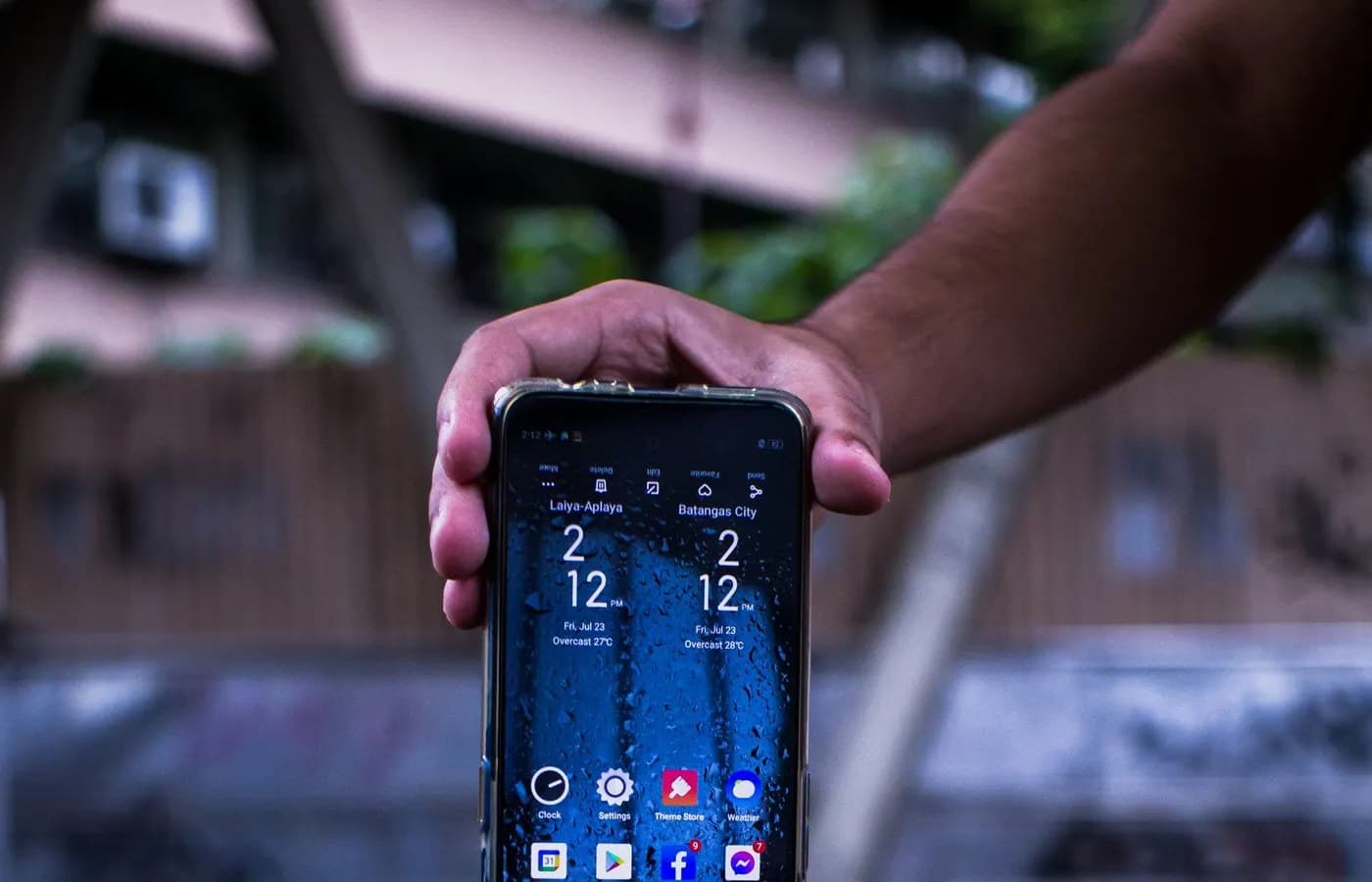
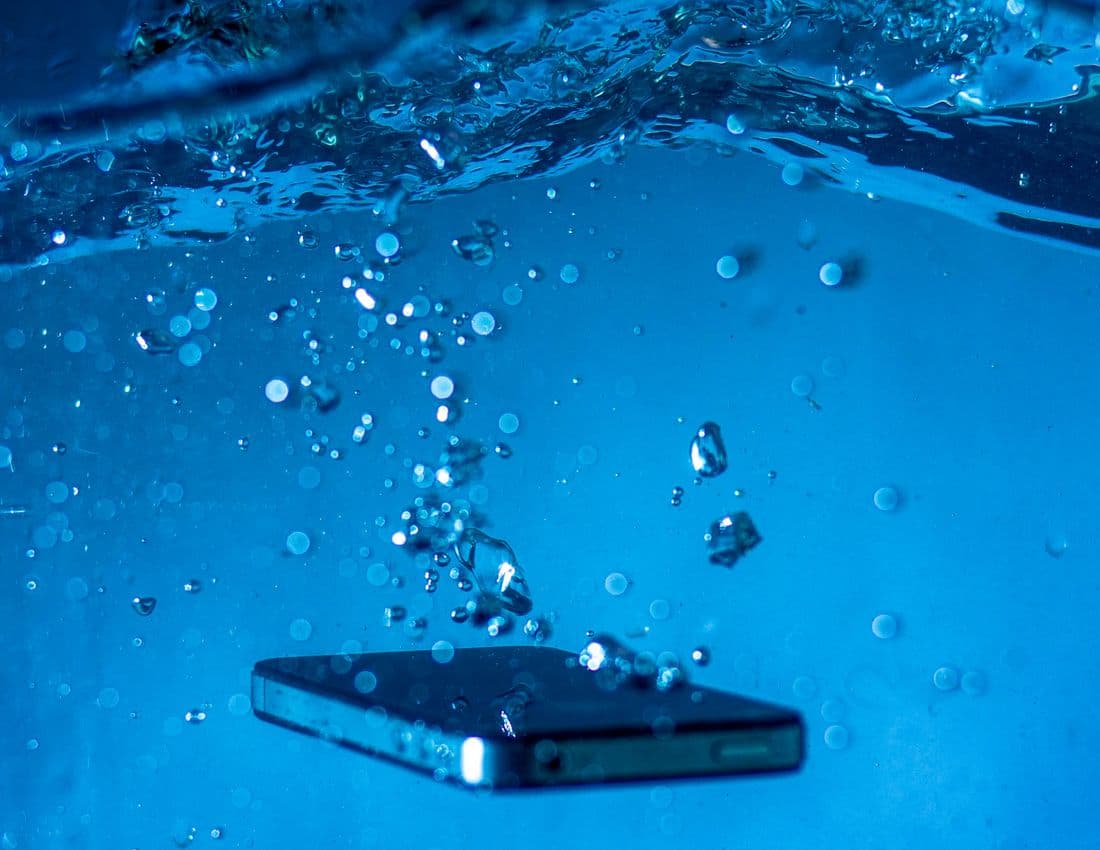
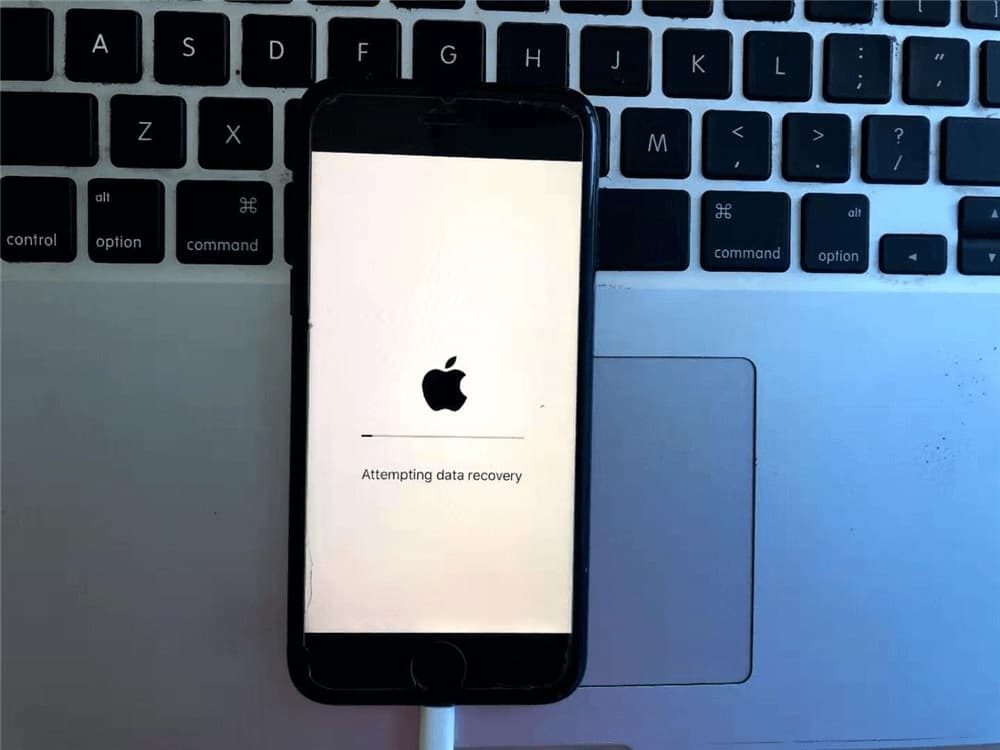
Remove the iPhone from the liquid immediately and power it off right away, don't try to check if it still works. Wipe it dry with a soft cloth, gently tap it with the charging port facing down to clear water from inside, and never plug it into a charger or apply direct heat while it's wet. "Water resistant" does not mean waterproof, and even IP68-rated iPhones can suffer real damage from pool water, prolonged exposure, or pressurized water like a shower. Get it looked at within 24 hours for the best chance of a full recovery.
Between swimming pools, beach days, and the occasional phone dropped in a sink or toilet, iPhones end up wet more often in Dubai than people expect. The marketing around water resistance gives a false sense of security, and knowing what actually happens inside the phone, along with what to do in the first few minutes, makes a real difference in whether it survives.
"Water Resistant" Is Not the Same as Waterproof
Every iPhone from the iPhone 7 onward carries an IP67 or IP68 rating, which sounds reassuring but comes with real limitations most people don't realize. These ratings are tested under controlled lab conditions, typically still water at a specific depth for a set time. Real world situations like pool water, which often contains chlorine and moves with pressure from jets or waves, or a shower with pressurized spray, can defeat this resistance in ways the lab rating doesn't account for. The rating also degrades over time as seals age, meaning a three year old iPhone offers meaningfully less real world protection than a brand new one with the same official rating.
What Happens Inside the Phone
The Liquid Contact Indicator
Every iPhone has at least one small sticker inside, called a Liquid Contact Indicator or LCI, usually located near the SIM tray. It stays white or silver normally and turns red permanently on contact with liquid. This is how Apple and repair technicians confirm liquid exposure, and once it has triggered, there's no disputing that water got inside, regardless of how brief the exposure seemed.
Why corrosion is the real danger, not the water itself
The liquid itself isn't what causes lasting damage, it's the corrosion that begins almost immediately afterward if the phone stays powered on or gets turned back on to check if it still works. This corrosion continues spreading even after the visible liquid has dried, which is why a phone that seems fine right after getting wet can develop problems days later.
What to Do Immediately
Remove it from the liquid and power off right away
Get the phone out of the water as fast as possible and power it off immediately, resisting the urge to check if it still turns on. If it's already off, don't turn it on to test it.
Dry what you can reach
Use a soft towel or cloth to wipe away visible liquid from the outside, including around the buttons and camera. Gently shake the phone with the charging port facing downward and tap it lightly to help clear water from inside the port and speakers.
Skip the rice, skip the hairdryer
Rice does not effectively draw moisture out of a modern iPhone's internal components, and direct heat from a hairdryer can push liquid further inside or damage components through heat stress. Neither replaces a proper internal check.
Don't charge it while wet
Plugging in a wet iPhone to charge can trigger a liquid detected warning, and attempting it anyway while liquid is still present risks a short circuit that a dry phone would not have experienced.
Signs the Water Got Further In Than You Think
| Sign | What It Suggests |
|---|---|
| Muffled or distorted speaker sound | Liquid likely reached the speaker components |
| Foggy appearance under the camera lens | Moisture trapped behind the lens |
| Phone running warmer than normal | Possible internal short developing |
| Random reboots or shutdowns | Corrosion may already be affecting internal connections |
| Charging port shows a "Liquid Detected" warning | Confirmed liquid presence in the port |
Does AppleCare+ Cover This?
Apple's standard warranty explicitly excludes liquid damage, and once the Liquid Contact Indicator has triggered, there's no appealing that at an Apple Store. AppleCare+ with accidental damage coverage is the one path that includes liquid damage, though it comes with a service fee rather than free replacement, and only applies if you already had that specific coverage before the incident happened.
Why Getting It Checked Quickly Matters
A phone brought in within 24 hours of getting wet has a meaningfully better chance of a full recovery than one left for several days while corrosion spreads unchecked. This mirrors exactly what happens witha laptop exposed to a spill, where the clock matters more than almost any other factor in whether the device survives with just a cleaning or ends up needing component replacement.
What to Expect at NexaFix
NexaFix offers a free diagnosis for any iPhone exposed to liquid, checking the Liquid Contact Indicator and internal components before recommending a cleaning or further repair. Same day service is available for most cases, which matters given how quickly corrosion can set in after exposure.
Ourwater damage recovery service covers the full cleaning and inspection process for phones, laptops, and other devices affected by liquid exposure in Dubai's pools, humidity, and the occasional spill.
Frequently Asked Questions
My iPhone still turns on after getting wet. Do I still need to get it checked?
Yes. Corrosion can develop over days even if the phone appears to work normally right after the exposure, and catching it early is far cheaper than waiting for a problem to show up later.
Is it ever too late to bring in a wet iPhone?
Not usually, though the chances of a full recovery without any component replacement decrease the longer it waits. It's always worth getting a free diagnosis rather than assuming the worst.
Does a red Liquid Contact Indicator always mean the phone is beyond repair?
No, it confirms liquid exposure occurred, but many phones with a triggered indicator can still be cleaned and fully recovered if addressed quickly.
Can pool water cause more damage than plain water?
Yes, chlorine and other chemicals in pool water can be more corrosive than plain water, and pool jets create the kind of pressurized exposure that defeats a phone's water resistance rating more easily than still water.
Should I try charging my iPhone to see if it still works after it dries out?
Wait until it has been properly checked first. Charging a phone that still has internal moisture risks causing a short circuit that a professional cleaning would have prevented.
The Bottom Line
An iPhone's water resistance rating offers real protection, but it has real limits, and pool water, pressurized spray, and age all reduce that protection in ways the official rating doesn't communicate. Powering the phone off immediately, drying what you can reach, and getting it checked within 24 hours gives it the best possible chance, while charging it or waiting too long gives corrosion the time it needs to cause lasting damage.
If your iPhone has been exposed to water,book a free diagnosis with NexaFix and find out exactly what's happening inside before the damage has a chance to spread.