Can iPhone Repair Shops Steal Your Data? The Honest Answer
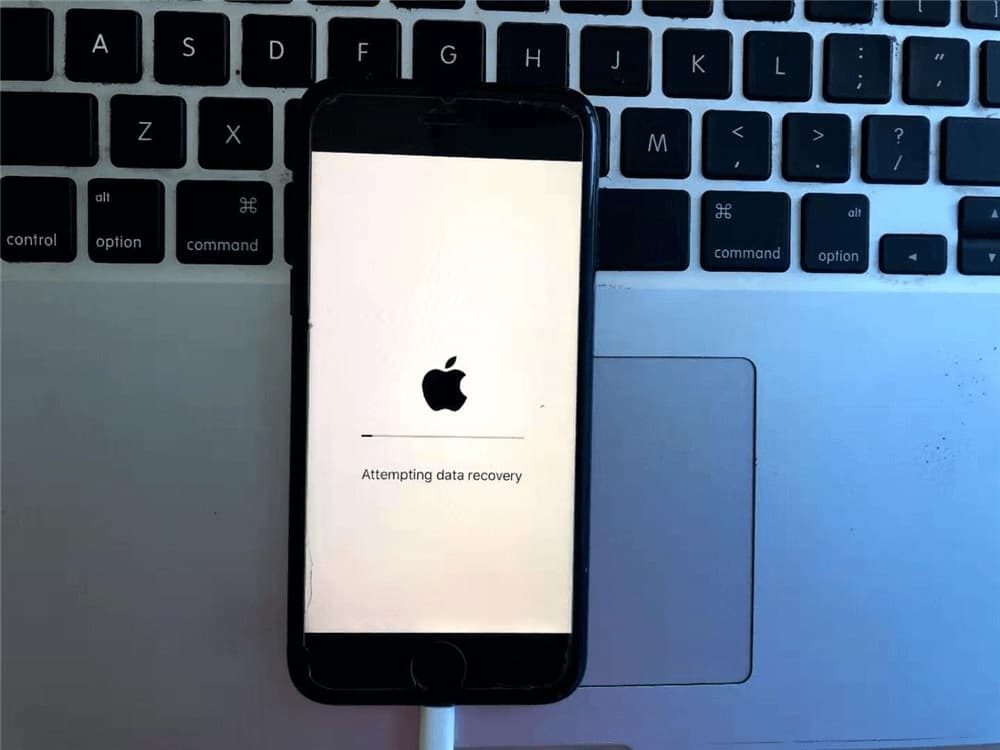
If you don't share your passcode, your iPhone's encryption makes it virtually impossible for a technician to access your data, even during a full repair. If you do share it, which many shops request for proper testing, the phone is genuinely accessible to whoever has it in hand. That doesn't mean every technician is going to look through your photos, but the honest truth is that the risk is real once the passcode is shared, and how you handle that moment is what actually determines your privacy, not blind trust in a shop's reputation alone.
Handing over an iPhone full of years of photos, messages, and accounts to someone you just met is uncomfortable, even for a routine screen repair. It's a fair thing to worry about, and the honest answer is more nuanced than either "don't worry about it" or "never share your passcode."
The Two Scenarios That Actually Matter
You don't share your passcode
Apple's encryption is strong enough that, without the passcode, a technician genuinely cannot get into your data through normal means. This holds true for the vast majority of repairs, where testing can be limited but the phone itself stays locked the entire time it's being worked on.
You do share your passcode
This is where the real consideration begins. Once the phone is unlocked, anyone holding it technically has access to everything on it. Most repair centers aren't interested in your personal content, but the point is that the door is genuinely open, and the only real protection at that stage is the professionalism and accountability of whoever is handling your device.
Why Technicians Sometimes Ask for It Anyway
Pre-repair and post-repair testing
Testing Face ID, the microphone, cameras, and touch response properly often requires the phone to be unlocked, both before a repair begins, to document any existing issues, and after it's completed, to confirm everything works. Without a passcode, this testing is limited, which can mean a problem goes unnoticed until after you've left.
iPhones don't have a built in way to hide data during repair the way some Android phones do
Certain Android phones include a Maintenance Mode that temporarily hides personal content from anyone using the device, while still letting a technician test hardware normally. Apple has never offered an equivalent for iPhone. There is a separate "Repair State" feature in Find My, introduced in iOS 17.5, but it is worth being precise about what it actually does: it lets you keep Find My and Activation Lock turned on during a repair so the phone stays trackable and locked to your Apple ID, rather than hiding your personal content from a technician. It solves a theft and tracking problem, not a privacy-from-the-technician problem.
How to Protect Yourself Before Any Repair
Back up first, every time
Before any repair, back up your iPhone through iCloud or a computer. This protects you regardless of what the repair involves and means nothing is ever truly at risk, even in the unlikely event something goes wrong.
Ask directly about their process
A reputable shop will have a clear, specific answer when asked what happens to your data during a repair, who has access to your phone while it's there, and whether they offer something like a non-disclosure agreement for customers who want that extra reassurance. A vague or defensive response to a direct question is worth paying attention to.
Consider a full backup and erase for sensitive devices
For a work phone, an executive's device, or anything holding particularly sensitive information, backing up and then erasing the phone before handing it over removes the risk entirely, since there's nothing left to access. This is more effort than most repairs call for, but it's a legitimate option when the stakes are higher than usual.
Only share what's actually needed
If a repair doesn't require functional testing of Face ID or the cameras, such as a straightforward battery swap, it's reasonable to ask whether the passcode is genuinely necessary for that specific job before handing it over.
Questions Worth Asking Before You Leave Your Phone
| Question | Why It Matters |
|---|---|
| Will my passcode be needed for this specific repair? | Confirms whether sharing it is actually required |
| What happens to my data if I do share it? | Shows whether the shop has a real policy or just a vague answer |
| Is my device stored securely while it's with you? | Reduces risk while the phone is out of your hands |
| Can I get something in writing for extra assurance? | A shop willing to offer this is signaling real accountability |
What Responsible Handling Actually Looks Like
A shop that takes this seriously will explain exactly why a passcode is needed for your specific repair, limit who has access to the device while it's being worked on, and give you a straight answer rather than a reassurance-only response when you ask a direct question. None of this requires special technology, mostly it comes down to a shop actually having a process and being transparent about it.
What to Expect at NexaFix
At NexaFix, a passcode is only requested when a specific repair genuinely requires functional testing, and we'll tell you plainly when that applies to your repair and when it doesn't. The same straightforward approach applies tolaptop repairs, where the honest answer is that most hardware repairs never need your files touched at all, regardless of which device is involved.
OuriPhone repair team can walk you through exactly what your specific repair requires before you hand anything over, so the decision is informed rather than a leap of faith.
Frequently Asked Questions
Will a screen or battery repair require my passcode?
Often not, unless the technician needs to confirm Face ID or camera function afterward. It's reasonable to ask specifically whether your repair requires it before assuming it does.
Does Apple's Repair State feature in Find My protect my personal data from a technician?
No, that feature is specifically about keeping your phone trackable and locked to your Apple ID during repair, not about hiding your photos or messages from whoever is handling the device.
Is backing up and erasing my phone before repair overkill?
For most routine repairs, no. For a phone holding particularly sensitive work or personal information, it's a legitimate extra precaution, not an overreaction.
Can I request an NDA from a repair shop in Dubai?
Many reputable shops will provide one if asked directly, particularly for business or executive devices. It costs nothing to ask before deciding where to take your repair.
What if I decline to share my passcode entirely?
Most repairs can still proceed without it, though functional testing before and after the repair will be more limited, and any issue that wasn't caught beforehand may take longer to resolve.
The Bottom Line
The honest answer to whether an iPhone repair shop can access your data comes down to one decision: whether you share your passcode. Without it, your data stays genuinely protected. With it, the protection shifts to the professionalism of whoever you're trusting with the device, which is exactly why asking direct questions and backing up beforehand matter more than any single feature on the phone itself.
If you have an upcoming repair and want a straight answer about what it will and won't require,book a free diagnosis with NexaFix and ask us directly before you leave your phone with anyone.