PS5 Black Screen or No Signal? How to Tell If the HDMI Port Is Broken
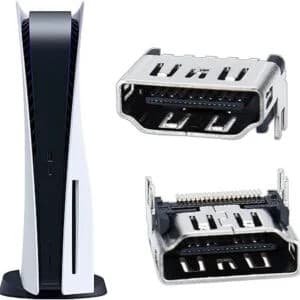
A PS5 that powers on but shows a black screen or a "No Signal" message is usually caused by the cable, the TV input, or a video setting, and all three can be ruled out in about ten minutes. If a different official HDMI cable, a different TV or input, and a direct connection with no receiver or switch in the chain all give the same result, the fault is most likely the console's HDMI port or the chip behind it. That is a board level repair, so stop trying resets that can wipe your data and get the console diagnosed.
Few things are more annoying than pressing the power button, hearing the fan spin up, and watching the TV tell you there is nothing connected. The console is clearly alive, the controller lights up, and yet there is no picture.
The good news is that this symptom has a clear order of checks. Start with the free ones, move to the settings fixes, and only then consider that the HDMI port itself has failed. Working in that order saves you from paying for a repair you did not need, and from wiping a console that was never broken in the first place.
Start With the Free Checks
Reseat everything and pick the right input
Switch off the console and the TV. Push the cable firmly into the HDMI OUT port on the back of the PS5, then into an HDMI IN port on the TV, and make sure the TV is set to that exact input. A cable that looks seated but sits a few millimetres short is a surprisingly common cause.
Use the cable from the box
The PS5 ships with an Ultra High Speed HDMI cable. Older or cheaper cables can work fine for a basic picture and then fail the moment the console tries 4K at 120Hz. If you have the original cable, use it. If you do not, borrow a known good one instead of buying a new one on a guess.
Strip the setup back to the console and the TV
Remove AV receivers, soundbars, HDMI switches, and extenders, and connect the console straight to the TV. If the picture returns, the PS5 port is outputting video fine and the problem sits somewhere in the equipment you removed. This single step explains a lot of black screens.
Try another input or another screen
Move the cable to a different HDMI input on the same TV, then try a different TV or a monitor. A TV port can fail just like a console port, so you need to know which side is at fault before you blame the PS5.
Power it down properly
Turn the console off completely, rather than using rest mode, and unplug the power cord for a few minutes before starting it again. It costs nothing and occasionally clears a stuck video handshake.
Settings Fixes When You Cannot See Anything
If those checks did not help, a video setting may be pushing a signal your TV cannot accept. You can change it without a picture by using the console's Safe Mode.
Turn the console fully off, then hold the power button until you hear the second beep, which takes about seven seconds. Connect a controller with a USB cable and press the PS button. From the Safe Mode menu you can choose the option to change the video output and drop the resolution, which sometimes brings the picture back on a TV that struggles with higher settings.
Some TVs also fail the copy protection handshake between console and screen. If you can reach the menus on another display, the system settings include an HDCP option, and switching it off can help in these cases, although some streaming apps need it on. Check these steps against Sony's current instructions on your own console before relying on them.
One warning applies to everything in this section. Options that reset or initialise the console delete your data, and they do not repair a physically damaged port. Treat them as a last resort for a software problem, never as a fix for a hardware fault.
Signs the HDMI Port Itself Has Failed
| What you notice | What it usually means |
|---|---|
| Picture appears only when the cable is held at an angle | Loose or damaged port |
| Flickering, sparkles, or coloured lines | Poor connection at the port or a failing video chip |
| No signal on every cable and every TV | Port or HDMI controller fault |
| Fan spins and the controller pairs, but no picture | Video output fault, not a power fault |
| Picture but no sound, or sound but no picture | Partial signal failure |
| Bent pins, a wobbly port, or burn marks | Physical damage to the connector |
With the console off and unplugged, shine a torch into the HDMI OUT port and look for bent pins, debris, or dark marks. Do not poke around inside with anything metal.
Why PS5 HDMI Ports Fail
The usual cause is physical strain. A console pushed back against a wall, a cable bent sharply behind a cabinet, or a plug yanked out at an angle puts force on the connector, and the port is soldered to the motherboard by small points that can crack or lift. Knocks and moves between homes cause the same kind of damage.
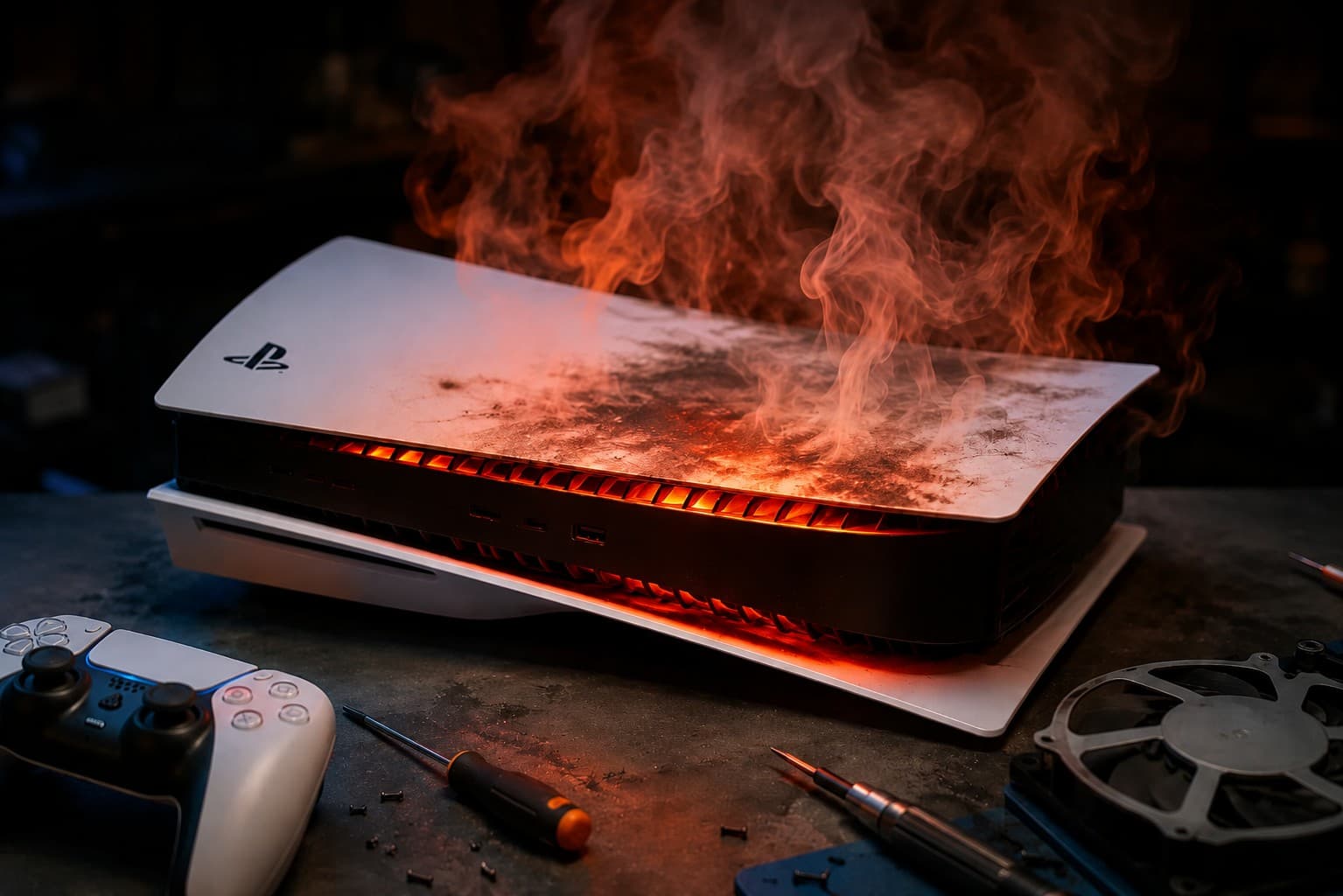
Heat plays a part too. A console that runs hot or shuts itself off can drop its picture before it fails completely, so it is worth ruling that out first. Our guide on why aPS5 or Xbox keeps overheating and shutting off explains how dust and dried thermal paste build up in Dubai homes, and how to spot the warning signs early.
Can You Replace the Port Yourself?
You can find videos of people doing it, but it is a difficult job. The port has to be desoldered from the motherboard and a new one soldered in, which needs the right tools and a steady hand. Mistakes such as lifted pads or damaged traces can turn a repairable console into a dead one. Opening the console may also affect any remaining warranty, so check your warranty terms before anything else.
What Professional HDMI Repair Involves
A proper repair starts with confirming the fault. A technician checks the port, the pins, the solder joints, and the video chip behind the port, because a damaged port sometimes comes with a damaged controller. If the port needs replacing, it is done with micro soldering rather than glue or force. The console is then stress tested with a game and a video app, on more than one screen, to make sure the picture stays stable.
This is a longer job than swapping a cable, so timing depends on the fault and the parts. For a console that otherwise works well, repair is usually better value than replacing it, and a diagnosis gives you the actual price before you commit.
What to Expect at NexaFix
NexaFix offers a free diagnosis for consoles with no picture, so you know whether the cause is the cable, the port, or something deeper before any work begins. Ourgaming console repair service covers PlayStation, Xbox, and Nintendo consoles, and you receive a clear price after the diagnosis. The same checks in this guide apply to Xbox consoles, so you can follow the same order if that is what you own.
Frequently Asked Questions
Why does my PS5 turn on but show no signal?
Most often it is the cable, the TV input, a device in the chain such as a receiver, or a video setting. If those are ruled out, the HDMI port or the video chip is the likely cause.
Can a bad HDMI cable cause a PS5 black screen?
Yes. A worn or low quality cable can fail at higher resolutions and refresh rates even if it seems to work at basic settings. Always test with the cable that came with the console.
Will resetting the PS5 fix a broken HDMI port?
No. A reset only affects software and settings, and it deletes your data if you choose a full reset. It cannot repair a damaged connector.
Will an HDMI port repair delete my games and saves?
A port repair is hardware work on the board and does not normally require erasing the console. It is still sensible to make sure your saves are backed up to the cloud if you can get a picture long enough to do it.
How much does PS5 HDMI port repair cost in Dubai?
It depends on whether only the port is damaged or the video chip is affected too. The diagnosis is free, and you receive the price before any work starts.
The Bottom Line
A black screen on a PS5 is rarely as bad as it first looks. Work through the cable, the input, the setup, and the settings in that order, and you will either fix it for free or know with confidence that the port is the problem.