Why Does Your PS5 or Xbox Keep Overheating and Shutting Off?
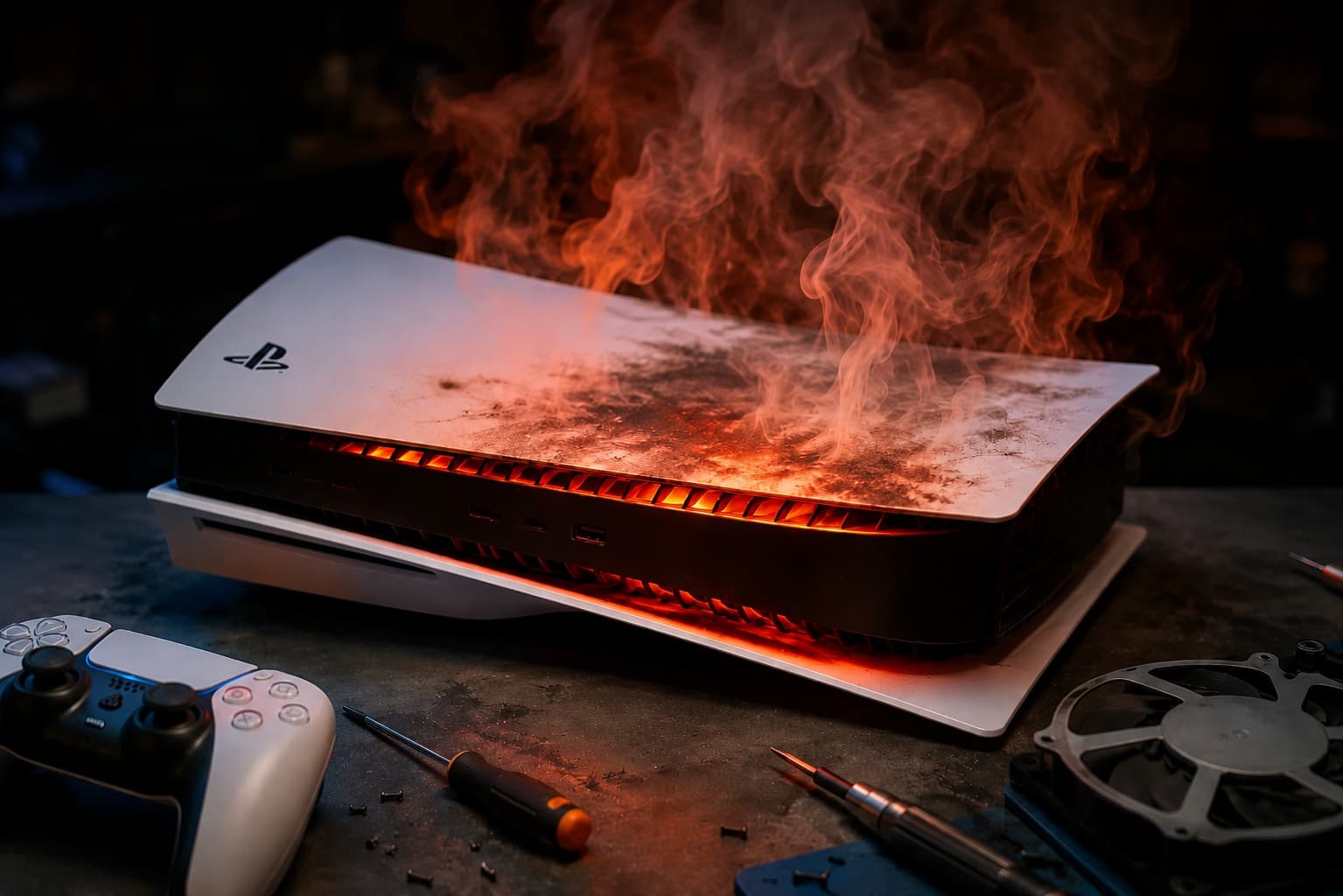
Quick Answer: A PS5 or Xbox that shuts down randomly, runs unusually hot, or has a fan that sounds louder than normal is almost always dealing with dust buildup, dried thermal paste, or blocked airflow, and Dubai's climate makes all three worse and faster than in cooler countries. In most cases a proper internal cleaning and thermal paste replacement fully resolves the issue, and it is a same day fix when caught before it causes further internal damage.
Gaming consoles run hot by design, but a console that is shutting down mid game, making a fan noise it never used to make, or feeling unusually warm on the outside is telling you something specific has gone wrong with how it manages heat. In Dubai, this tends to happen sooner and more often than in most other places, and there is a straightforward reason why.
Why Dubai's Climate Makes Console Overheating Worse
Ambient heat gives the cooling system less room to work
A console's cooling system is designed to move hot air out and pull cooler air in. When the room around it is already warm, especially during the summer months when air conditioning has to work harder and rooms can still run warmer than expected, the console has less of a temperature difference to work with, so it runs hotter overall even under normal use.
Fine dust builds up faster indoors
Dubai's air carries fine dust that finds its way indoors even with air conditioning running constantly. This dust settles inside a console's vents and fan blades over months of normal use, gradually restricting airflow until the cooling system can no longer keep up with the heat the console generates during gameplay.
Long gaming sessions in air conditioned rooms create their own problem
Extended indoor gaming sessions, common during the hottest months when going outside is less appealing, put consoles under sustained heavy use for hours at a time. Combined with dust buildup, this is exactly the kind of routine that pushes a console's internal temperature past what its cooling system was designed to handle comfortably.
Signs Your Console Is Overheating
Random shutdowns during gameplay
If a PS5 or Xbox powers off unexpectedly, particularly during longer sessions or graphically demanding games, this is one of the clearest signs that internal temperatures are exceeding safe limits and the console is shutting down to protect itself.
A fan that has become noticeably louder
A fan working harder than it used to, especially a loud whining or grinding sound rather than a steady hum, usually means it is compensating for restricted airflow caused by dust or a failing fan mechanism.
The console feels unusually hot to the touch
Some warmth during use is completely normal, but a console that feels hot on the outside casing, particularly near the vents, is a sign that heat is not being moved out efficiently.
Performance drops or visual glitches during long sessions
Some consoles throttle their own performance to manage heat, which can show up as brief stuttering, frame drops, or visual artifacts that appear only after extended play sessions rather than right from startup. If you are already noticing more than one of these signs, it is worth getting a proper gaming console repair diagnosis rather than waiting for it to get worse.
Unexpected restarts or a slow, difficult startup
An overheating console can sometimes struggle to start up properly at all, or restart on its own shortly after being turned on, particularly in a room that has not had time to cool down.
What Causes Overheating on a Component Level
| Cause | What's Happening | Typical Fix |
|---|---|---|
| Dust buildup in vents and fan | Restricted airflow in and out of the console | Deep internal cleaning |
| Dried or degraded thermal paste | Heat no longer transfers efficiently from the processor | Thermal paste replacement |
| Blocked or covered vents externally | Console placed too close to a wall, cabinet, or other objects | Repositioning plus internal cleaning |
| Failing fan | Fan motor wearing out from years of continuous use | Fan replacement |
| Prolonged heavy use without rest | Extended sessions in warm rooms without breaks | Cleaning plus usage adjustments |
Most cases involve more than one of these at once, which is why a proper internal cleaning paired with a thermal paste replacement tends to be the most complete fix rather than addressing just one symptom.
What to Try Before Booking a Repair
Placing the console somewhere with clear space around all vents, rather than inside an enclosed cabinet or pressed against a wall, is worth checking first, since blocked airflow is sometimes an easy fix with no internal cleaning required. Taking a short break during very long sessions, particularly in a room that has been closed up during the hottest part of the day, can also help temporarily, though this only addresses the symptom rather than the underlying dust and thermal paste issue building up inside.
If the console continues to overheat, shut down, or run loud after adjusting its placement, the cause is very likely internal and a proper cleaning is the next step rather than continuing to work around the symptoms.
What a Professional Cleaning and Repair Involves
A proper console cooling repair goes beyond wiping down the outside casing. It involves fully opening the console, removing dust from the fan, heat sink, and internal vents, and replacing the thermal paste between the processor and heat sink, since dried thermal paste is one of the most common reasons a console that has never been opened starts overheating after a couple of years of regular use.
If the fan itself has started to fail rather than simply needing cleaning, it can be replaced separately, and if HDMI or power issues have developed alongside the overheating, which sometimes happens when a console has been running hot for an extended period, those are addressed in the same visit.
Does Overheating Cause Permanent Damage If Left Untreated?
Left unaddressed, sustained overheating can gradually damage internal components beyond the fan and thermal system, including the motherboard and power supply, turning what would have been a straightforward cleaning into a more serious hardware repair. This is why random shutdowns or unusual fan noise are worth addressing as soon as they appear rather than waiting to see if the problem goes away on its own.
What to Expect at NexaFix
NexaFix offers a free diagnosis for PS5, Xbox, and Nintendo consoles showing signs of overheating, checking the fan, vents, and thermal paste condition before recommending any repair. Most cooling related repairs, including deep cleaning and thermal paste replacement, are completed the same day, and if a fan replacement or further repair is needed, you will know the exact cost before any work begins.
Frequently Asked Questions
Is it normal for a PS5 or Xbox to feel warm during use?
Yes, some warmth is completely normal for any gaming console during active use. The concern is a console that feels hot enough to be uncomfortable to touch, shuts down unexpectedly, or has a fan that has become noticeably louder than before.
How often should a console be cleaned to prevent overheating in Dubai?
There is no fixed schedule, but given how quickly dust accumulates indoors here, a cleaning every 12 to 18 months for a console used regularly is a reasonable guide, sooner if you notice any of the warning signs mentioned above.
Can I clean the inside of my console myself?
Opening a console yourself carries a real risk of damaging delicate components or voiding any remaining warranty, and thermal paste application in particular requires the right amount and technique to be effective. A professional cleaning is the safer and generally more effective option.
Will overheating void my console's warranty if I get it professionally cleaned?
This depends on the console's original manufacturer warranty terms, which can vary. If your console is still under an active manufacturer warranty, it is worth checking those terms first, though most overheating consoles brought in for repair are already outside that coverage window.
How much does it cost to fix an overheating PS5 or Xbox in Dubai?
A standard internal cleaning and thermal paste replacement is on the lower end of console repair costs. If a fan replacement or additional component repair is needed, the cost increases accordingly. A free diagnosis will confirm the exact price for your specific issue.
The Bottom Line
A console that overheats, shuts down, or runs louder than it used to is not something that fixes itself over time, and Dubai's climate genuinely does make dust buildup and heat stress happen faster than in cooler places. A proper cleaning and thermal paste replacement resolves the vast majority of cases, and catching it early keeps a simple fix from turning into a more expensive one.
If your PS5, Xbox, or Nintendo console has been running hot or shutting down unexpectedly, book a free diagnosis with NexaFix and get it back to normal before the heat causes further damage.